
Lorem ipsum dolor sit amet, consectetur adipiscing elit. Suspendisse varius enim in eros elementum tristique. Duis cursus, mi quis viverra ornare, eros dolor interdum nulla, ut commodo diam libero vitae erat. Aenean faucibus nibh et justo cursus id rutrum lorem imperdiet. Nunc ut sem vitae risus tristique posuere.
Don’t have Go Birdie Go? Download App today


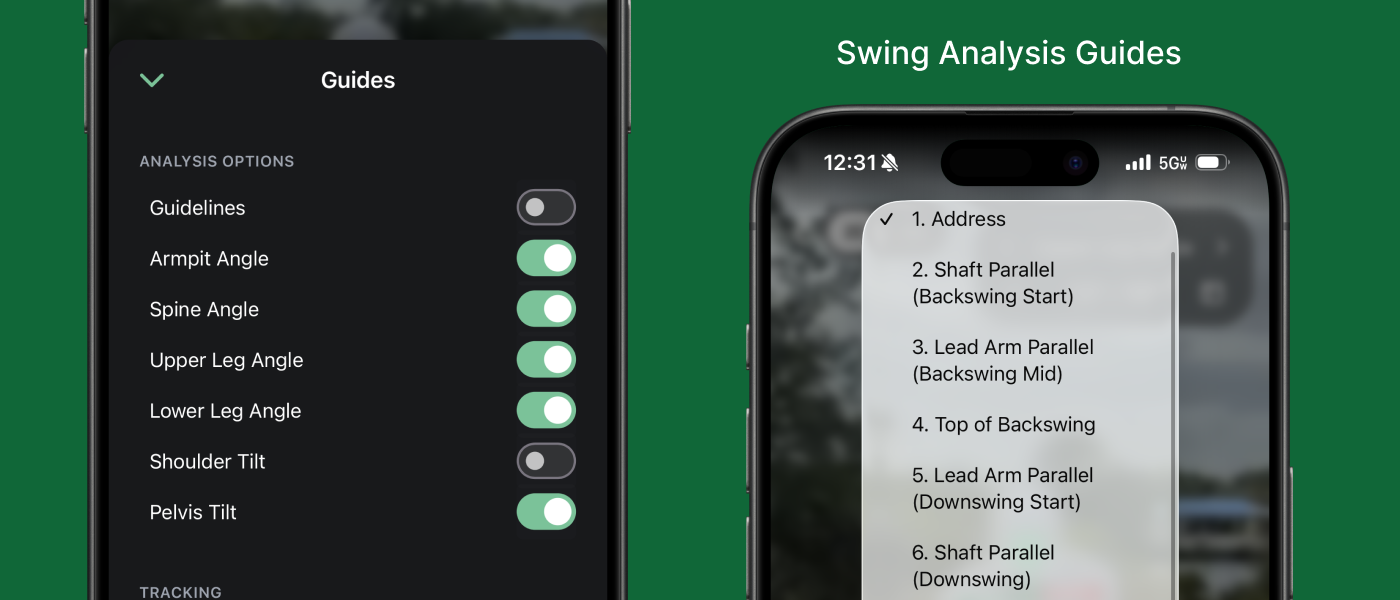
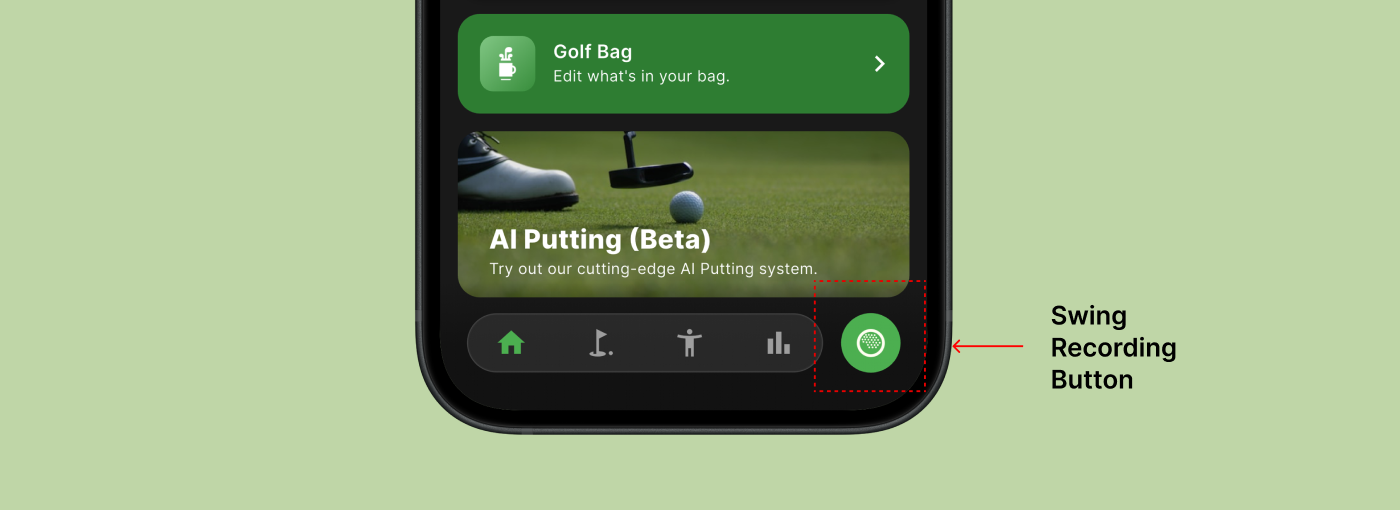
To record your golf swing:
Tip: Make sure the lighting is good and your whole body stays visible.
Lorem ipsum dolor sit amet, consectetur adipiscing elit. Suspendisse varius enim in eros elementum tristique. Duis cursus, mi quis viverra ornare, eros dolor interdum nulla, ut commodo diam libero vitae erat. Aenean faucibus nibh et justo cursus id rutrum lorem imperdiet. Nunc ut sem vitae risus tristique posuere.
Tap button to share video outside the app using Messages, Email, WhatsApp, etc. Videos and swing data go with your share link.
Our analyzer breaks the swing into 10 biomechanical checkpoints using industry-standard positions.
These checkpoints help you compare your positions to professional movement patterns.
The app automatically:
You can scrub through your video to see each position clearly labeled.
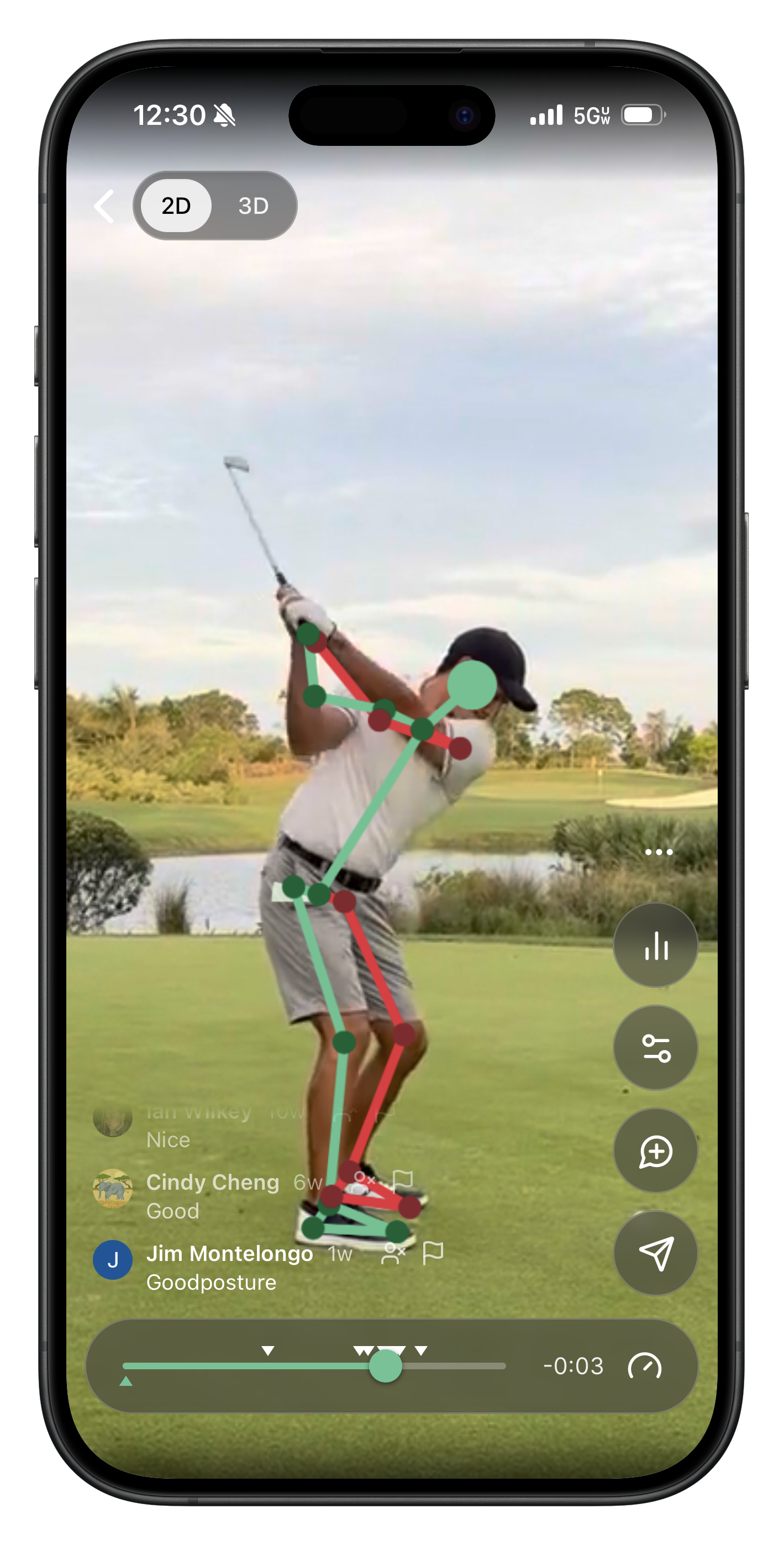
We give you color-coded feedback based on biomechanical ranges used by instructors and Tour-level systems.
The analyzer compares your angles at each swing phase to the target ranges for:
Wrist Tracing shows the path your hands travel during the swing.
It helps you understand:
Coaches use wrist tracing to analyze your plane, sequencing, and consistency.
Guidelines are optional on-screen overlays that help you visually check your positions.
They include:
Here are typical faults your app will flag and what usually causes them:
Early Extension
Casting / Early Release
Over-the-Top Move
Not Enough Hip Turn
Shoulder Tilt Too Low or High